

Why Your Jane Revenue Doesn't Match QuickBooks
You open Jane and see one revenue number. You open QuickBooks Online and see another. Which one is right?
Usually, both are. They're just measuring different things. Jane shows what you billed and what was paid in your practice. Your bank (and QuickBooks) shows what actually arrived in your account. When those two don't match, it almost always comes down to one of five things:
Timing at the end of the month
Credit card processing fees
Customer refunds
Gift cards
Multiple payment methods
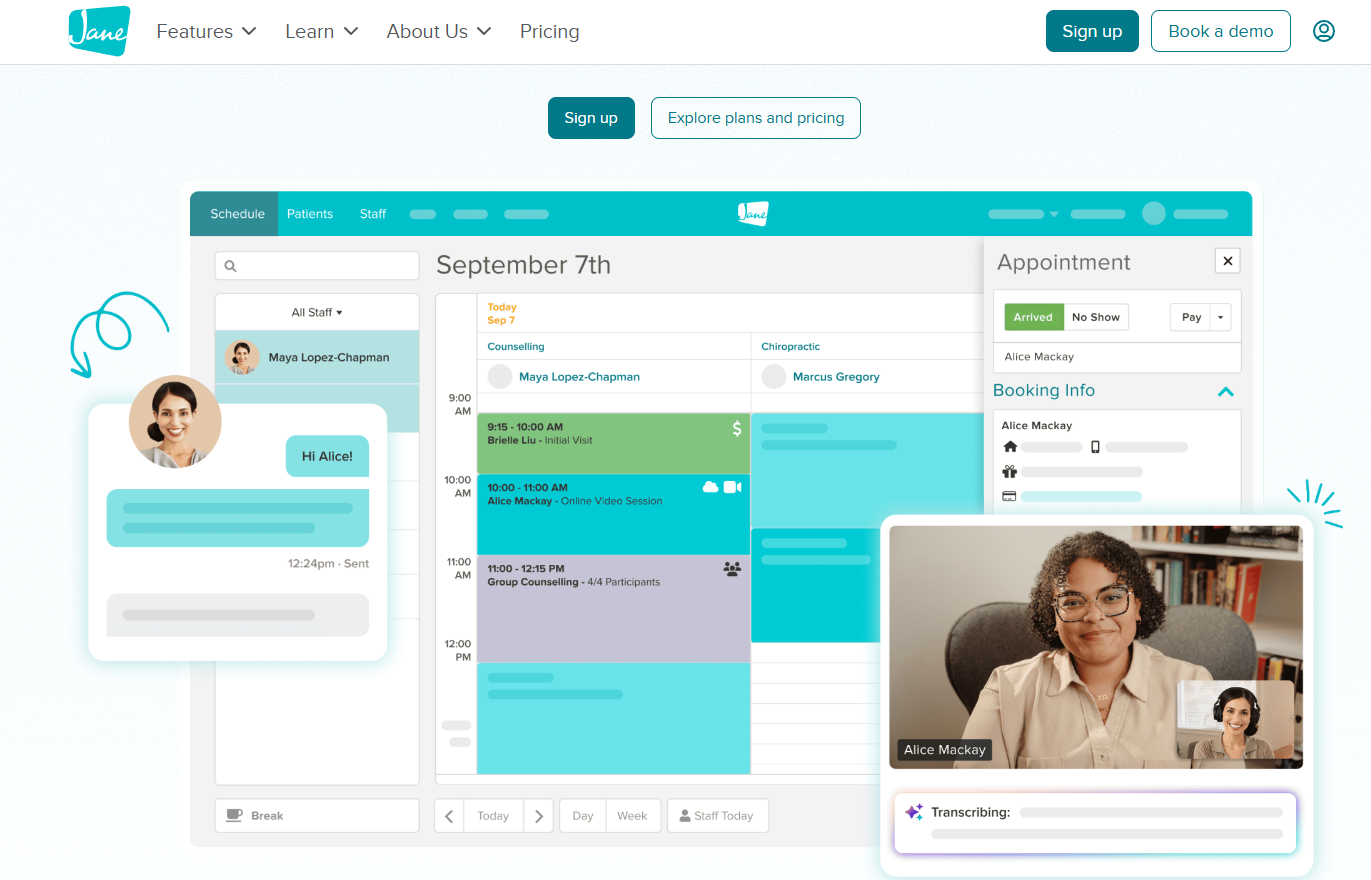
Jane doesn't integrate directly with QuickBooks Online, so these differences don't sort themselves out. Someone has to bring the numbers over and tie them together each month. Let's walk through each one
1. Timing: end-of-month payments, next-month deposits
A patient pays on the 30th or 31st, and Jane records the payment that day. But the deposit doesn't reach your bank until the 1st or 2nd of the following month.
So Jane's total for the month includes payments your bank statement won't show until next month. At a glance, it looks like money is missing. It isn't. It's in transit.
The only way to account for it is to reconcile your bank deposits against Jane's Daily Transactions report, matching each deposit to the days of payments it covers. That shows exactly which payments were still in transit at month-end, and confirms they arrived the following month.
2. Jane deposits are net of credit card processing fees
This is the big one.
When a patient pays by card through Jane, Jane records the full amount of the payment. But when Jane deposits that money into your bank account, the processing fees have already been taken out. So the deposit is smaller than the payment.
If your books only record the deposit, two things go wrong:
Your revenue is understated, because the fees were never counted as income first.
Your processing fees disappear, because they were never recorded as an expense.
Your profit might look about right, but your revenue and expenses are both off. That makes it harder to see what your practice really earns and what it really costs to collect payments.
Where to find the fees in Jane: the Daily Transactions report and the Jane Payments Transactions report both show the fees taken out of your payments.
3. Customer refunds
Refunds reduce what you actually collected, but they're easy to miss if you only look at total sales.
Where to find them in Jane: at the bottom of the Billing Summary report, you'll see total refunds for the date range you choose. We usually run this report for the whole month, so the refund total lines up with the month we're closing in QuickBooks.
4. Gift cards
Gift cards create two separate events:
The sale. A patient buys a gift card. You received money, but you haven't provided any treatment yet.
The redemption. Someone later uses that gift card for a treatment. You provided the service, but no new money came in.
For practices on a cash basis, this usually doesn't make much difference. Money in is money in.
For practices on an accrual basis, it matters a lot. A gift card sale isn't revenue yet; it's money you owe in future services. The revenue is earned when the gift card is redeemed. If these aren't broken out, your revenue can be overstated in one month and understated in another.
Not sure which basis your practice uses? Your CPA can tell you, and it's worth knowing.
5. Multiple payment methods
Many practices accept more than one way to pay: cards through Jane, cash, checks, Venmo, Cash App, and sometimes a second processor for products or other services.
Each of those reaches your bank differently, on a different schedule, and sometimes in batches. When everything is lumped together, it's very hard to see whether a payment recorded in Jane ever made it to the bank, or whether a deposit in the bank was ever recorded in Jane.
That's why we record daily payments by payment method and reconcile each method on its own. Cash recorded in Jane should match cash deposited. Card payments should match Jane's deposits plus fees. And so on.
Not every practice needs this level of detail. But if you have a high volume of payments or accept many payment methods, it's the difference between "close enough" and knowing your numbers are right.
[image break: illustration of several payment methods flowing into one bank account]
A real example: the payments that were never collected
Shortly after a practice started working with us, we noticed something while reconciling by payment method: payments recorded in Jane weren't showing up in the bank.
We brought the gap to the owner, who looked into it. It turned out a new front desk team member had been checking patients out assuming Jane would automatically charge the card on file. But those patients didn't have cards saved in their files. The checkouts looked complete, but the practice never collected the money from several patients.
Once the owner knew, the fix was simple: a quick training for the front desk, and from then on, the numbers tied out every month.
If all payments had been lumped into one total, this could easily have gone unnoticed for months. Reconciling each payment method separately is what made it visible.
How we keep Jane and QuickBooks tied out
Each month, we pull the key Jane reports for the full month, record payments by payment method, and reconcile each method to what actually reached the bank, including payments that don't land until the first days of the following month. Fees, refunds, and gift cards are tracked separately so your revenue and expenses are each accurate, not just your bottom line.
The result: when you look at your QuickBooks reports, you can trust them, and you can see exactly how your practice is performing.
Frequently asked questions
Does Jane integrate with QuickBooks Online? Not directly. Jane's financial data needs to be exported and brought into QuickBooks, then reconciled to your bank deposits.
Do I need to reconcile by payment method? Not always. It's most helpful if you accept several payment methods or have a high volume of payments. That's where gaps hide.
Does cash vs. accrual basis change how gift cards are recorded? Yes. On a cash basis, a gift card sale is simply money received. On an accrual basis, the revenue is recognized when the gift card is redeemed for treatment.
Why do my Jane deposits look smaller than my payments? Because Jane deposits card payments after taking out processing fees. The fees should be recorded as an expense, and the full payment as revenue.
Why is my Jane total higher than my bank deposits for the month? Often it's timing. Payments taken in the last day or two of the month may not be deposited until early the next month. Matching bank deposits to Jane's Daily Transactions report shows which payments are still in transit.
You don't have to untangle this alone
If your Jane and QuickBooks numbers haven't matched in a while, you're not alone, and it's fixable. The goal isn't perfection on day one. It's a clear system so you can trust your numbers every month.
We help private practices using Jane App and QuickBooks Online keep their books accurate, reconciled, and easy to understand, so you can focus on your patients.